8 min read ·
How Delband Works: Matching, Distance and Discovery
How Delband works, explained plainly: who shows up in Discover, why nearby people come first, what likes and matches do, and what the little flame icons mean.
Delband app screenshot
By the Delband team
Most dating apps treat their matching as a black box, and then wonder why people stop trusting it. This is the opposite: a plain-language walkthrough of how Delband works — who appears on your Discover screen, in what order, what happens when you like someone, and why the app keeps nudging you toward people who live close enough to actually meet. No secret sauce, no inflated promises; just the mechanics, so you can use them on purpose.
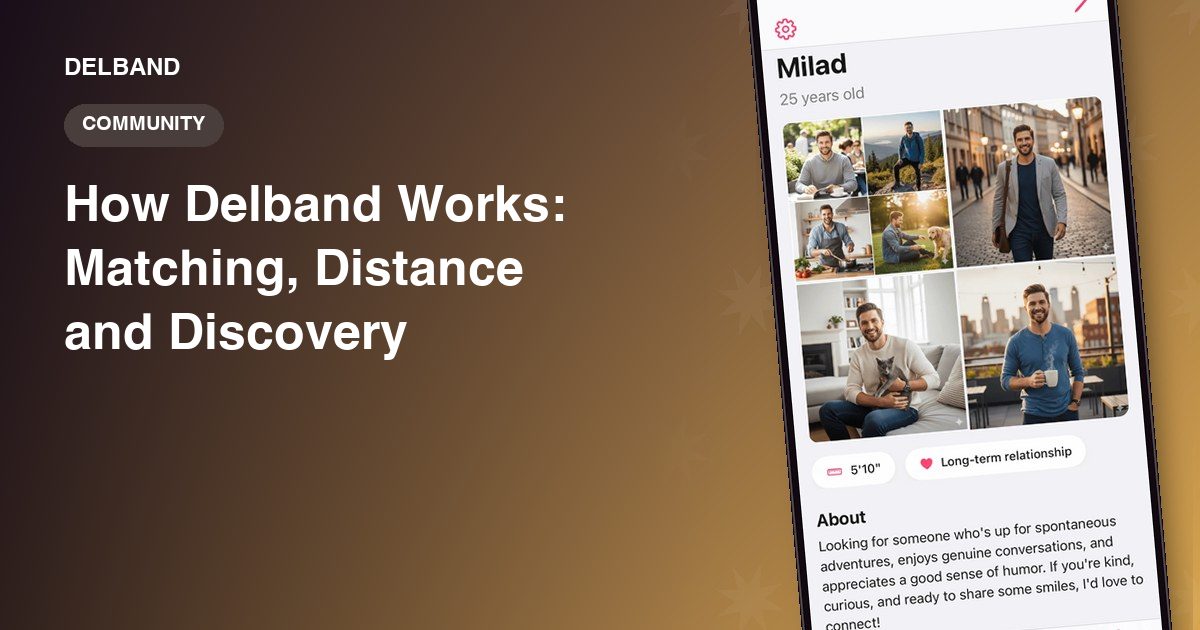
Delband shows you one profile at a time on the Discover tab. The people you see are those who fit the age, height and distance settings you chose, and they're ordered nearest first. You can pass, like, or send a message straight away. When two people like each other, it's a match and a conversation opens for both of you. That's the core loop — everything else in the app supports it.
Your settings define the pool
Age range, height range and a maximum distance decide who is eligible to appear. Anyone you've blocked, or who has blocked you, never shows up — in either direction.
Distance decides the order
Among everyone who fits, the closest people come first. When two people are about the same distance away, the one who has been active more recently comes first.
You choose what happens next
Pass to move on, like to signal interest, or tap the message button to say something right now instead of waiting for a mutual like.
A mutual like becomes a match
If they like you back (or you like back someone who already liked you), Delband shows an “It's a match!” screen and opens a conversation for both of you.
Who appears in Discover
Your Discover pool starts from the preferences you set with the slider icon at the top of the Discover screen. There are three: an age range, a height range, and a maximum distance. Out of the box the distance is set to 50 miles, which suits most metro areas. The distance slider runs from 1 mile up to 500+ miles and gives you finer control at the short end — useful if you live somewhere like Los Angeles or Toronto, where 10 miles and 30 miles are very different evenings.
A few people are always left out. You never see yourself, you never see anyone you've already liked, and you never see anyone on either side of a block. Accounts that have been suspended for breaking the rules don't appear either.
Why nearby people come first
Delband sorts by distance before anything else, and that's deliberate. The Persian diaspora is spread thin across a lot of cities, and an app that ignores distance will happily show you a wonderful person a ten-hour flight away. We wrote a whole piece on why nearby matches matter in Persian dating; the practical upshot is that the first faces you see are the ones you could realistically meet for chai this week.
On each profile you'll see a rounded distance, such as “4 miles away” or “Less than 1 mile away”. That is all you see about someone's location — never a map pin, an address or coordinates. If you want to know exactly what is and isn't shared, our guide to Delband and location privacy goes through it in detail.
What happens when you run out of people
In a big city you may never reach the end of your pool. In a smaller one you might reach it in a few evenings. When Delband has shown you everyone who fits your settings exactly, it doesn't just stop: it widens the circle a little. You'll start seeing people somewhat further away and a few years either side of your age range, ranked by a blend of how close they are, how recently they were active, and how near they are to the middle of your preferred age range.
The point is to keep suggestions coming without throwing your settings out entirely. If you notice profiles that seem slightly outside what you asked for, this is why. If you'd rather keep things tight, the honest answer is that a smaller pool will run dry sooner — and widening your distance a bit is usually the better trade than widening anything else.
| First: your exact settings | Then: a wider circle | |
|---|---|---|
| Distance | Within your maximum distance | A wider radius around you |
| Age | Inside your age range | Up to a few years either side |
| Height | Inside your height range | Not used as a filter |
| Order | Nearest first, then most recently active | A blend of distance, recent activity and age fit |
| Always excluded | Yourself, people you've liked, blocks, suspended accounts | Same |
Passing, and why someone might come back
When you pass on a profile, Delband remembers it on your phone so you don't see that person again straight away. That memory resets each day, so someone you passed on can reappear later — people update their photos and bios, and first impressions aren't always fair. If you'd like a clean slate sooner, there's a “Reset seen profiles” option in Settings. Likes are different: once you've liked someone, they won't show up in Discover again, because the ball is in their court.
Likes, matches and messaging first
Liking someone is quiet. They'll find you on their Likes tab, where they can like you back or pass. If they like you back — or if you like someone who already liked you — you both get a match, and a conversation appears in Messages. Matches are what unlock voice and video calls: calls only ring between people who have matched, which is one reason we suggest a quick video call before a first date.
You don't have to wait for a mutual like to say hello, though. The message button on a Discover profile lets you send a first message directly. It's a bolder move and it works best when it's specific to the person — our first message tips cover how to make it land. To keep things balanced, free accounts have a daily allowance of likes and of messages in new conversations, and nobody can send an endless run of messages without a reply. Once a conversation is properly going back and forth, the daily message allowance stops applying to it.
Shared background starts the conversation. Being close enough to meet is what turns it into a date.
What the flame icons mean
Some profiles show between one and three small flame icons. They're a simple, at-a-glance summary, not a hidden score: Delband checks three things — whether you're within about 20 miles of each other, and whether your ages and heights fall into a typical range relative to each other — and lights one flame per check that passes. If any one of those is far off (for example, the person is more than 100 miles away), no flames appear at all.
Treat the flames as a nudge, not a verdict. They know nothing about humour, values, family, or whether you'd both rather spend Sizdah Bedar in a park or at home. Plenty of great matches will show zero flames.
What Delband doesn't do
- It doesn't show anyone your exact location — only a rounded distance.
- It doesn't rank you on a secret attractiveness score; the order in Discover comes from your settings, distance and recent activity.
- It doesn't send likes or messages on your behalf.
- It doesn't show people you've blocked, or who have blocked you, anywhere in Discover.
If you're brand new, the Delband first-week guide walks through setting up your profile and preferences in order, and the Delband FAQ answers the smaller questions in one place.
Frequently asked questions
How does Delband decide who I see first?
Delband shows people who fit your age, height and distance settings, ordered by distance with the nearest first. When two people are a similar distance away, the more recently active person comes first. Once you've seen everyone who fits exactly, the app widens the circle slightly and ranks those extra suggestions by distance, recent activity and how close they are to your preferred age.
Can I message someone on Delband without matching first?
Yes. Every profile in Discover has a message button, so you can send a first message without waiting for a mutual like. Free accounts have a daily allowance for messages in new conversations, and everyone has a limit on how many messages they can send in a row without a reply, which keeps inboxes from filling with unanswered messages.
Why do I see someone slightly outside my age or distance range?
That usually means you've seen everyone who matches your settings exactly. Rather than showing nothing, Delband widens the search a little — somewhat further away and a few years either side of your age range. If you'd like more people inside your exact settings, try increasing your maximum distance a bit.
Will someone I passed on show up again?
They can. Passed profiles are remembered on your phone so you don't see them again straight away, but that memory resets daily. You can also reset it yourself from Settings. People you've liked don't reappear in Discover, and people you've blocked never do.
What do the flame icons on a profile mean?
They're a quick summary of three simple checks: whether you live within about 20 miles of each other, and whether your ages and heights fall in a typical range for each other. One flame lights up for each check that passes. If any one is far off, no flames are shown. They're a hint, not a compatibility score.
That's the whole machine: your settings decide who's eligible, distance decides the order, and you decide what happens next. Delband is free to download on iPhone — set your distance honestly, write a profile someone can reply to, and let proximity do the rest.