7 min read ·
Delband App FAQ: Answers to the Most Common Questions
The Delband app FAQ: accounts, profiles, Discover, likes and matches, messaging, calls, chat rooms, blocking, location and account deletion, answered plainly.
Delband app screenshot
By the Delband team
This Delband app FAQ collects the questions people actually ask — before they download, during their first week, and when something doesn't behave the way they expected. Every answer describes how the app works today, without spin. If you want the longer explanation of matching, start with how Delband works; if you're just getting set up, the first-week guide is the better place to begin.
The basics at a glance
| Question | Short answer |
|---|---|
| What is it? | A dating app built for the Persian and Iranian community |
| Where can I get it? | On iPhone, from the App Store |
| Does it cost anything? | Free to download and use; an optional Premium subscription exists |
| How do I sign up? | With email and password (verified by email link) or Sign in with Apple |
| How are matches ordered? | Nearest first, within your age, height and distance settings |
| Can others see my location? | Only a rounded distance — never your exact position |
Accounts, sign-up and Premium
You can create an account with an email address and password, or use Sign in with Apple. Email sign-ups receive a verification link that has to be opened before the account is set up — the first of the layers we describe in how Delband verifies profiles. After that, you build your profile and you're in.
Delband is free to download and free to use: creating a profile, browsing Discover, liking, matching and messaging all work without paying. Free accounts have a daily allowance of likes and of messages in new conversations. An optional Premium subscription removes those daily caps; the current price is shown in the app before you buy. Comparing options? See our roundup of free Persian dating apps.
Profiles, photos and Discover
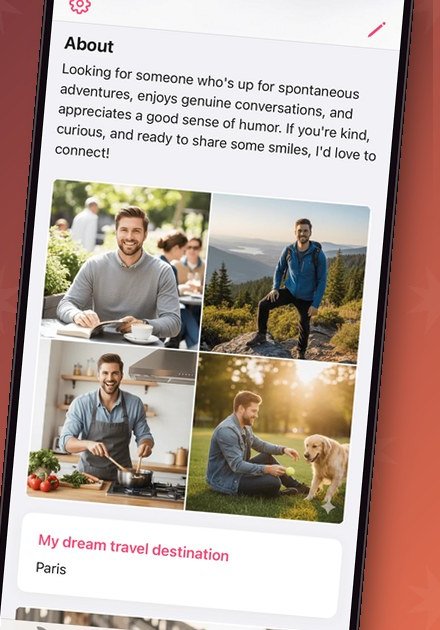
A profile needs at least one photo (up to six), your name, birthday, height, gender, what you're looking for and a short bio. Everything else — job, education, interests, lifestyle and family details, and profile questions — is optional but makes it much easier for someone to start a conversation. Our profile bio examples can help if you're staring at a blank box.
Messaging, calls and chat rooms
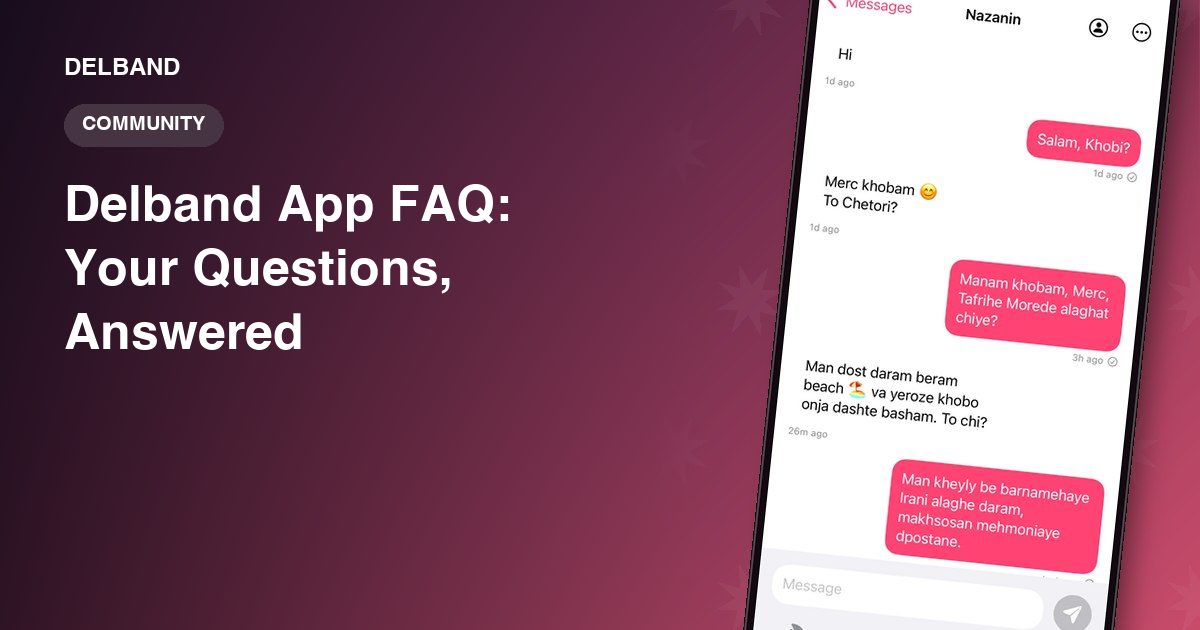
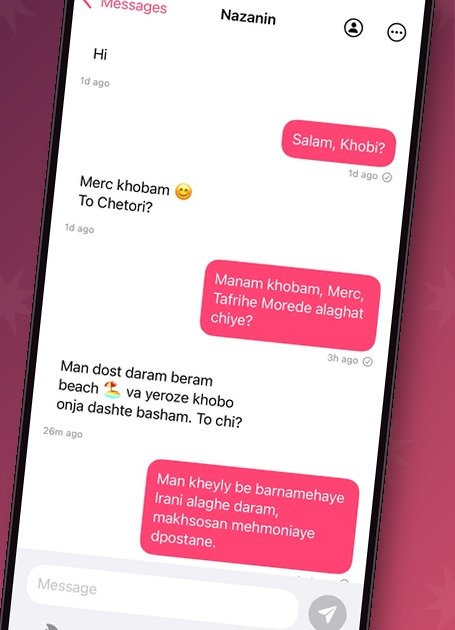
Conversations live in the Messages tab. You can send text and photos, and once you've matched with someone you can call them by voice or video inside the app — calls only ring between matched members. Separately, the chat rooms (under the theatre-masks tab) are live group conversations, some for a city and some open to everyone; messages there are ephemeral rather than stored. Our piece on Persian dating app chat rooms explains why they're a different, lower-pressure way in.
Trust the feeling
If a profile or conversation feels off, you don't need proof before acting on it.
Report it
Use Report on their profile and pick the closest reason, such as fake profile or scam or fraud. Reports are anonymous.
Block them
Blocking removes them from your Discover and stops messages and calls in both directions.
Keep your details private
Don't share your address, workplace or financial information with someone you haven't met.
All the questions, answered
Is the Delband app free?
Yes. Delband is free to download on iPhone, and you can create a profile, browse Discover, like, match and message without paying. Free accounts have a daily allowance of likes and of messages in new conversations. An optional Premium subscription removes those daily caps; its current price is shown in the app before you buy anything.
Is Delband available on Android or on the web?
Delband is an iPhone app, available from the App Store. Discover, likes, matching, messaging, calls and chat rooms all happen in the iPhone app; there isn't an Android version at the moment. This website hosts information about the app and this blog.
How do I sign up for Delband?
Download the app and create an account with your email and a password, or use Sign in with Apple. If you use email, Delband sends a verification link that you need to open to finish setting up. Then you'll create your profile with at least one photo and a few basic details.
How many photos can I add to my profile?
You need at least one photo and can add up to six. The first photo is your main one, and you can reorder them later when you edit your profile. A mix of a clear face photo, a full-length shot and something showing what you enjoy tends to work best.
How does Delband decide who I see?
Discover shows people within your age, height and distance settings, nearest first. When two people are about the same distance away, the more recently active one appears first. Once you've seen everyone who fits exactly, the app widens the circle slightly so suggestions keep coming. Our guide to how Delband works explains this step by step.
Why does Discover ask for my location?
Discover is built around distance, so it needs to know roughly where you are to show people nearby. Delband only asks for “While Using the App” access and never shows other members your exact location — they see a rounded distance. Without location you can still use your profile, messages and matches; only Discover is unavailable.
Can other people see exactly where I am?
No. Other members see a distance in whole miles, or “Less than 1 mile away”, and nothing more — no map, pin or address. Your coordinates stay on Delband's servers and are only readable by your own account. You can also switch off Precise Location for Delband in iPhone Settings for a rougher position.
What's the difference between a like and a match?
A like is one-sided: the other person can see it on their Likes tab and decide whether to like you back. A match happens when you've both liked each other. Delband then shows an “It's a match!” screen and opens a conversation for both of you, and voice and video calls become available.
Can I message someone before we match?
Yes. Each profile in Discover has a message button, so you can send a first message without waiting for a mutual like. To keep inboxes healthy, there's a limit on how many messages anyone can send in a row without a reply, and free accounts have a daily allowance for messages in new conversations.
Can I video call on Delband?
Yes. Once you've matched with someone, you can start a voice or video call from your conversation without exchanging phone numbers. Calls only ring between people who have matched, and a blocked person can't call you. A short video call before meeting is one of the best ways to confirm someone is who they say they are.
What are Delband chat rooms?
Chat rooms are live group conversations inside the app — some for a specific city and some open to everyone. They're a relaxed way to meet the wider community without matching first. Messages are ephemeral rather than stored, rooms hold a limited number of people, and members who are reported repeatedly can be removed.
Why am I seeing someone I passed on before?
Delband remembers who you passed on, on your phone, so they don't reappear right away — but that memory resets each day, and people often update their profiles. You can also clear it yourself with “Reset seen profiles” in Settings. People you've liked or blocked won't reappear in Discover.
How do I block or report someone?
Open their profile, or the menu in your conversation, and choose Block or Report. Blocking works both ways: you won't see each other in Discover, can't message each other, and their calls won't ring. Reports are anonymous; you choose a reason such as harassment, fake profile or scam, and the Delband team reviews it.
How does Delband keep fake profiles out?
Accounts are verified by email or created through Sign in with Apple, profiles are built around photos, and matched members can video call in the app. Members can report fake profiles and the team can suspend accounts. No system catches everything, so video call before meeting and never send money to someone you haven't met.
Can I change my age, distance or height preferences?
Yes. Tap the slider icon at the top of Discover to set your age range, height range and maximum distance. Distance runs from 1 mile to 500+ miles, with finer steps at shorter distances. Discover reloads with your new settings as soon as you save.
How do I delete my Delband account?
Go to Settings in the Profile tab and choose to delete your account. Delband asks you to confirm, because deletion is permanent: your profile, photos, messages and matches are removed and can't be recovered. If you only want a break, you can simply sign out instead.
Still have a question?
If something isn't covered here, Settings (open it from the Profile tab) includes a feedback option, so you can reach the team from inside the app. For dating advice rather than app questions, the rest of the blog is the place — from first message tips to questions to ask a Persian match.
Delband is a small, focused app for Persian singles who'd rather meet someone nearby than collect matches in another time zone. It's free on iPhone; the best way to judge it is to set it up honestly and see who's around you.